
Sessions
The durable thread your agent work runs on. Start one, pick the agent and model, set the autonomy, read the live conversation, review what happened.
A session is the durable thread your agent work runs on. You open the TUI, start a session, and every message, tool call, and result lands in it. Close the terminal and come back tomorrow — the session is still there, ready to resume.
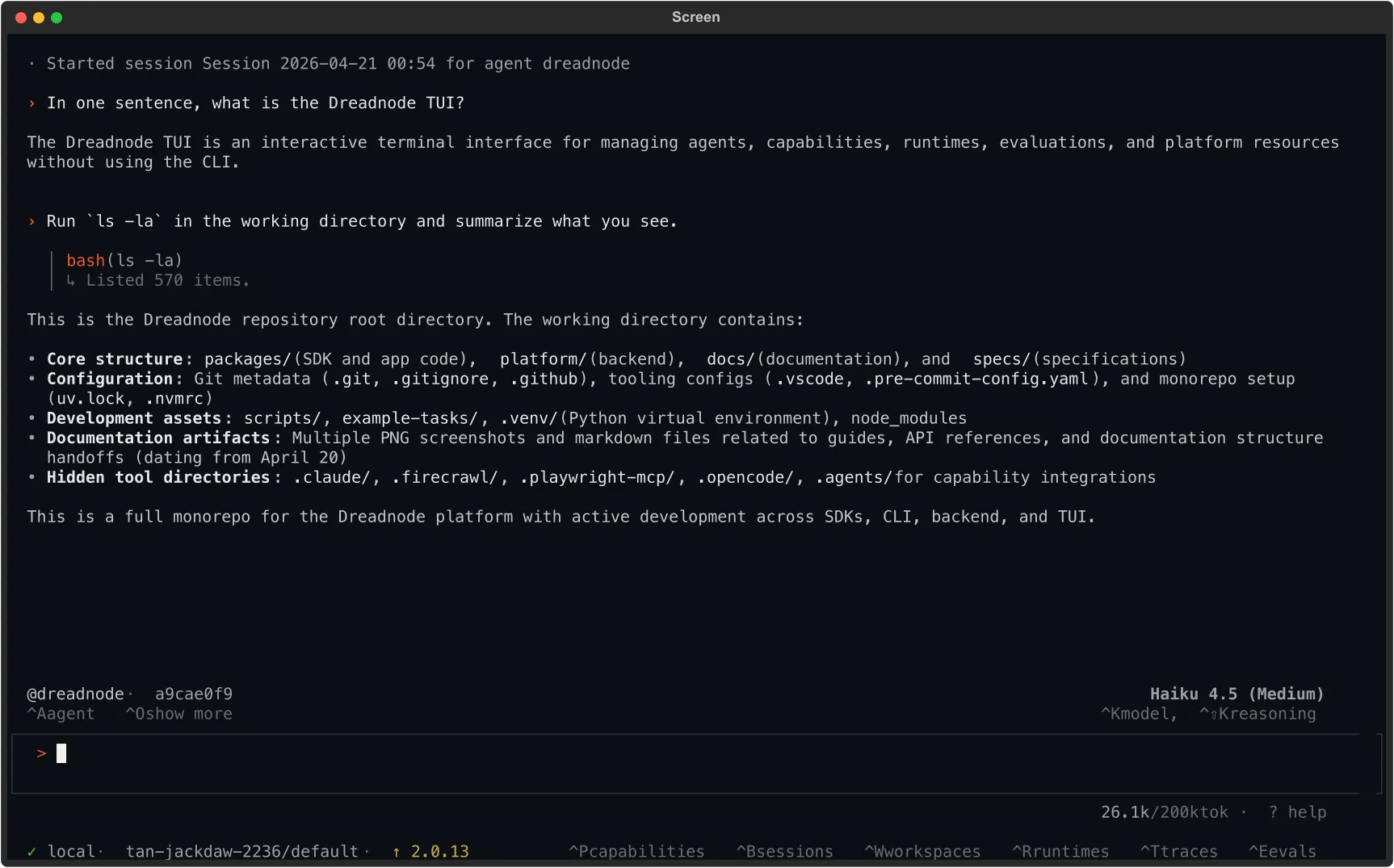
Everything else is a setting or a view on the session:
| Axis | What it controls | Where you change it |
|---|---|---|
| Agent | System prompt, tools, skills, default model | Ctrl+A picker or /agent <name> |
| Model | The LLM reasoning over the prompt and tool calls | Ctrl+K / /models browser, or /model <id> |
| Autonomy | Whether the agent pauses for approval or keeps going | /interactive, /auto [steps], /policy <name> |
| Thread | Which conversation you’re on — browse, resume, rename, export | Ctrl+B browser, /new, /rename, /export |
Switching any of these mid-thread is expected. The session holds the transcript; agent, model, and autonomy are knobs you turn while the thread runs.
Where agents come from
Section titled “Where agents come from”The default agent is always available: a generic assistant with the tools the runtime ships with. Everything else comes from capabilities. When you install a capability, its agents, tools, and skills all land in the same runtime and show up in the Ctrl+A picker. Switching agents does not switch runtimes — the conversation continues on the same session, with the new persona and toolset from the next turn on.
The pages in this section
Section titled “The pages in this section”Getting started
Section titled “Getting started”If you have not used the TUI yet, start with Quickstart — it walks you from install to first message. Then come back here and open Agent & model to load a capability and pick who you’re talking to.
The same sessions run in the browser. Chat shows every session in the workspace in one list, with the runtime and what it costs in view.